
This is a modified fork of ollm/OpenComic, maintained at RishithSahu/ModifiedOpenComic. It adds an AniList-backed library — series metadata, automatic per-series reading modes, recommendations and a guided tutorial — on top of upstream OpenComic. See Fork additions for what differs, and the Changelog for the full history.
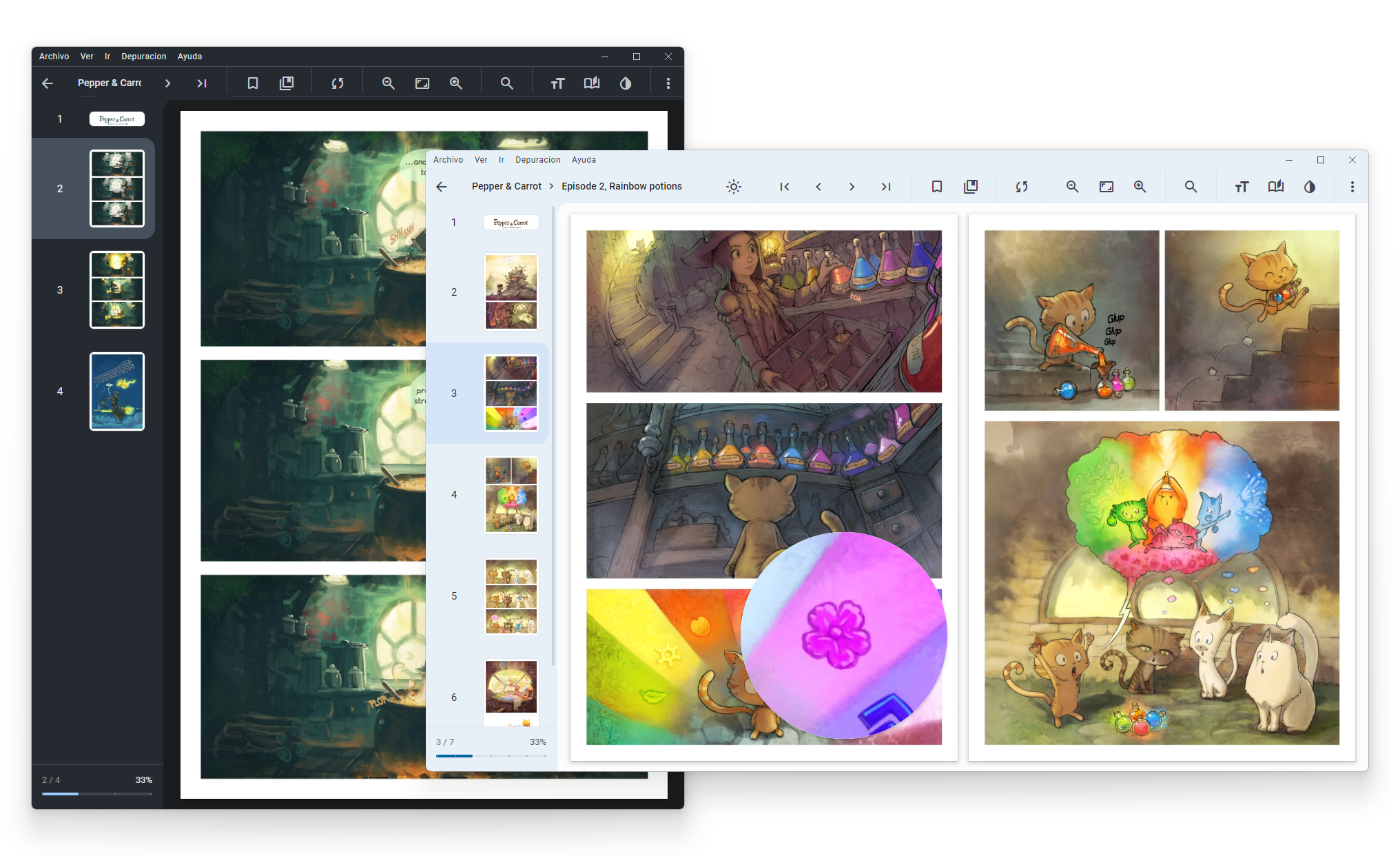
More Screenshots 📸
- 🌄 Support these image formats:
JPG,JP2,JXR,JXL,PNG,APNG,AVIF,HEIC,WEBP,GIF,SVG,BMP,ICO - 📦 Support these compressed formats:
RAR,ZIP,7Z,TAR,LZH,ACE,CBR,CBZ,CBA,CB7,CBT - 📄 Support these document/ebook formats:
PDF,EPUB - 🎵 Support background music from folder:
MP3,M4A,MP4,WEBM,WEBA,OGG,OPUS,WAV,FLAC - ☁️ Server connection support:
smb://,ftp://,ftps://,scp://,sftp://,ssh://,s3://,webdav://,webdavs:// - 📁 Master folders support
- 📚 OPDS support
- 🗂️ Tab support
- 🪟 Multi-window support
- ❤️ Favorite labels
- 🏷️ Custom labels
- 🇯🇵 Manga read mode
- 🇰🇷 Webtoon read mode
- 📖 Double page view
- 🔖 Bookmarks and continue reading
- 🔍 Floating magnifying glass
- 🖱️ Reading in scroll or slide
- ⚪ Adjust the brightness, saturation, contrast, sepia, negative and invert colors
- 🎨 Colorize black and white images
- ✨ AI tools: Artifact Removal, Descreen, and Upscale
- 🔄 Tracking with sites (AniList and MyAnimeList)
- 🎮 Gamepad navigation
- ⌨️ Custom shortcuts and tap zones
- 🔢 Multiple interpolation methods:
lanczos3,lanczos2,mitchell,cubic,linear,nearestand others
Everything above comes from upstream OpenComic. This fork adds:
- 📇 Automatic series metadata per folder: title, author, genres, demographic, serialization year, rating and description, scraped from AniList
- 🧭 Automatic reading mode per series — a series detected as
mangaopens in double page with right-to-left (inverted) reading, whilemanhwaandmanhuaopen in webtoon/scroll mode. A mode you set by hand always wins and is remembered for that series - 💾 Per-series reading configuration, so each title keeps its own layout instead of sharing one global setting
- 🏷️ Genre filter menu in Library and Recents, driven by the tracked metadata
▶️ Continue reading, Recommended for you and Recently added rows on the library home, with cover art and series metadata- 👍👎 Recommendation feedback that tunes future suggestions, with an optional internal ranking sidebar combining the AniList rating with your own likes and dislikes
- 🎓 Interactive in-app tutorial that walks through the real UI using the bundled Pepper & Carrot sample
- ✏️ Rename titles from the right-click menu (changes the display name only; files on disk are untouched)
- 💾 Saved searches, recallable in one click from the search overlay
- 🔎 Power search syntax, for example
genre:action series:manhwa rating>75 -completed:- Text fields —
author:(artist:,creator:),genre:,tag:,label:,title:,name:,path:,status:,type:(kind:),source:,series:(seriestype:),demographic:(demo:),has: - Numeric fields, usable with
:=><>=<=—rating:(score:),year:,progress:,confidence:,time:(readtime:,minutes:) - Keywords —
unread,reading,read/completed,favorite,tracked/untracked,folder,file,compressed - Combine values with
,or|, quote phrases, and negate any term with-or!
- Text fields —
- 🖥️ Guides available offline from Help ▸ Guides
You can see the changes between versions in the Changelog 📝
This fork (currently v1.8.1) has a prebuilt download — see RishithSahu/ModifiedOpenComic.
The links below are upstream OpenComic v1.7.7
and do not include any of the fork additions.
Requirements: Git, Node and NPM
git clone https://github.com/RishithSahu/ModifiedOpenComic.git
cd ModifiedOpenComic
npm install
npm startgit pull origin main
npm install
npm run build-<buildType>Available build types:
- Windows:
win(all targets),nsis,portable,folder-portable,appx,dir - Windows Arm:
win-arm - macOS:
mac-dmg,mac-pkg(Both includearm) - Linux
deb,rpm,snap,flatpak,appimage,7z - Linux Arm:
deb-arm,rpm-arm,snap-arm,flatpak-arm,appimage-arm,7z-arm
Now the build files are located in dist folder.
Not exists during build (Linux or macOS) — run npm install --force inside
./build/node-zstd-native-dependencies, then npm install again in the main folder.
Could not load the "sharp" module using the win32-x64 runtime when starting a built app —
npm only installs the sharp binary for the machine's own CPU, and installing another
architecture removes the previous one. A single node_modules is used to build both the x64 and
arm64 installers, so one of them can end up shipping a binary it cannot load. Every Windows build
script already runs this first, but if you invoke electron-builder directly, run it yourself:
npm run sharp-nativeIt installs every sharp architecture for the current OS, at the exact versions sharp itself
declares. Note that a plain npm install afterwards will prune them again, since they are
installed with --no-save.




This application contains as example the webcomic Pepper&Carrot by David Revoy licensed under the Creative Commons Attribution 4.0 International (CC BY 4.0).
Based on the universe of Hereva created by David Revoy with contributions by Craig Maloney. Corrections by Willem Sonke, Moini, Hali, CGand and Alex Gryson. Translated into Spanish by TheFaico.